Article
Port and Terminal Maintenance Software: When to Go Custom
 NxGP8 min read
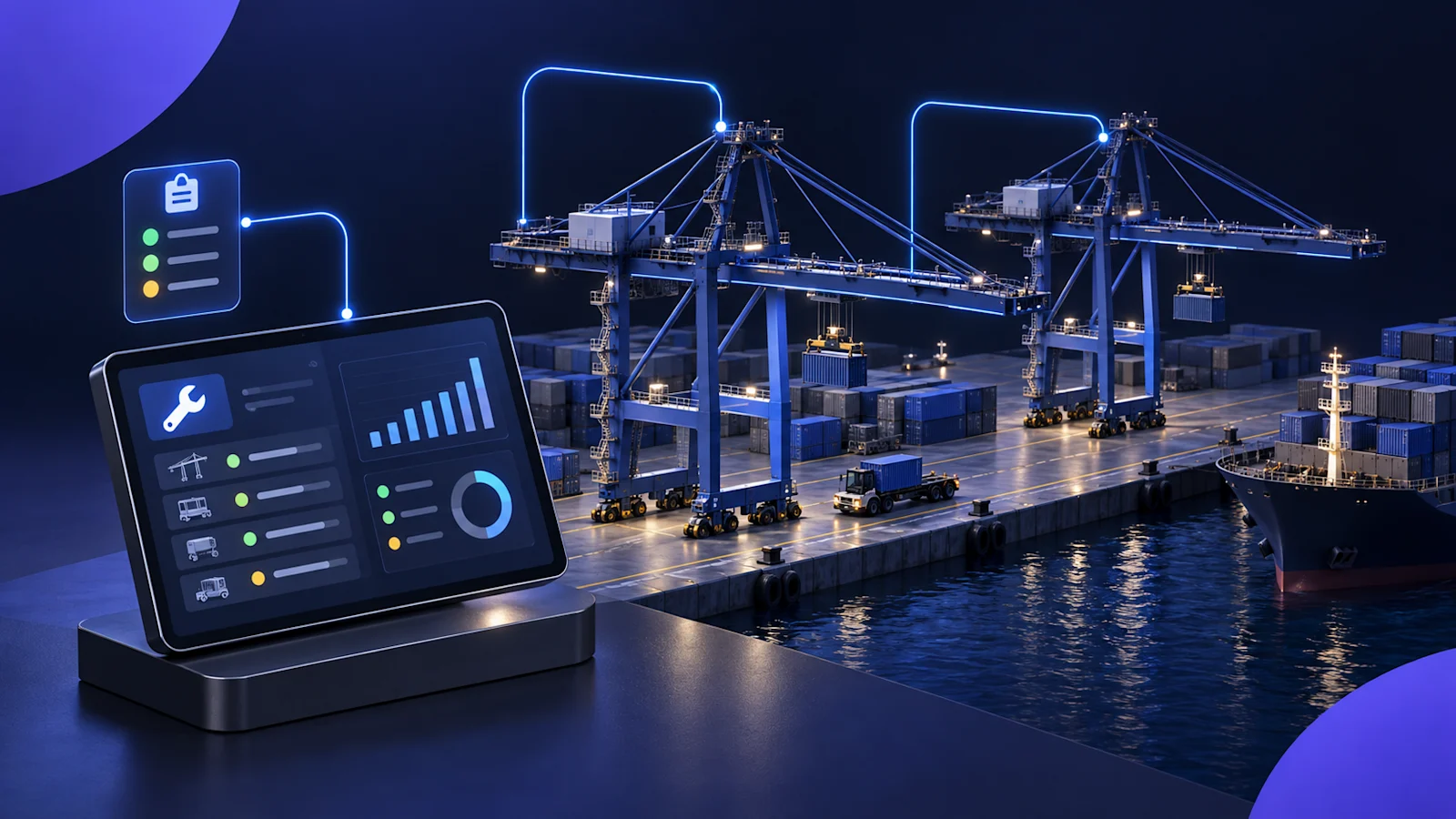
Port and terminal maintenance software helps teams track equipment condition, record repairs, manage shift handovers, and plan maintenance around cargo operations. A computerized maintenance management system (CMMS) can cover much of that work. Custom software becomes worth considering when critical workflows still happen in notebooks, spreadsheets, and separate reports.
That gap can be easy to miss during a software demo.
The asset register looks complete. Work orders are easy to create. The dashboard shows overdue maintenance.
Then a shift changes, a crane goes down, and the next vessel is approaching. The questions become more specific: What did the previous crew find? Is the crane available with restrictions? Are we waiting on a part? Who needs to follow up?
If the answers still require phone calls and a spreadsheet, the maintenance system is only covering part of the operation.
What makes terminal maintenance different?
A marine terminal brings together specialized equipment, changing operating windows, and crews who need to pass information between shifts.
For a container terminal, that equipment might include ship-to-shore cranes, rubber-tired gantry cranes, reach stackers, spreaders, and terminal tractors. Bulk and multipurpose terminals have different requirements, including conveyors, shiploaders, and other cargo-handling equipment.
The software needs to reflect those differences without making routine work harder to record.
A mechanic should be able to document a fault against the right asset, explain what happened, and leave a clear next step. A supervisor should be able to see what is available and what needs attention. Leadership needs a consistent view across terminals without asking each site to rebuild its report every morning.
Those are useful tests of fit, whether you buy software or build it.
Six requirements to test before choosing a terminal CMMS
1. Equipment history that goes below the asset name
An entry for “Crane 4” is a starting point. Useful maintenance history also identifies the component, symptom, repair, and unresolved issue.
Can the system distinguish a recurring spreader problem from an unrelated hoist fault? Can someone find previous work without knowing which failure code the last mechanic selected?
Look for equipment hierarchies that match your fleet, searchable notes, photographs, and a practical way to record component-level issues. Structured fields help when they are useful and understood. They become a problem when crews have to guess just to finish an entry.
2. Maintenance planning that accounts for operations
A maintenance due date does not tell a planner when equipment can actually be released.
Terminal teams need to consider vessel schedules, equipment assignments, job duration, parts availability, and the consequences of taking an asset out of service.
Test a real scenario: a crane has a short operating window before its next assignment. Can the team identify which jobs are due, which are ready, and which can reasonably fit?
The system should help coordinate that decision while keeping required inspections and maintenance deadlines visible.
3. Shift handover with a clear next step
A maintenance work order and a shift handover serve different purposes.
The work order records the job. The handover tells the next crew what still matters.
A useful digital passdown connects an asset to the latest finding, its current status, and the action that remains open. The incoming shift should be able to acknowledge it, add information, and close it when the issue is resolved.
For example, “waiting on replacement part” should remain visible after the shift ends. It should not disappear inside yesterday’s completed work.
4. Mobile reporting that crews can use in the yard
Evaluate mobile access where the work happens.
Can a mechanic find the asset quickly? Add a note and photo? Save the entry when the connection drops? Tell whether it has synced?
Offline support needs testing beyond opening an app without a signal. Check what happens when two people update the same asset, a photograph fails to upload, or a device reconnects after several hours.
Bring mechanics and supervisors into the pilot. Where collective bargaining agreements apply, involve the appropriate labor representatives in decisions about data collection and use. Be clear about what the system measures and who can see it.
5. Inspection records tied to the equipment
Inspection and certification records should be easy to find from the asset, with the applicable due date, responsible person, and follow-up action.
For U.S. marine terminals, OSHA’s 29 CFR 1917.50 requires annual examinations and quadrennial unit tests for cranes and derricks covered by the rule, with certificates readily available for inspection. Requirements and exceptions vary by equipment. Certification also does not replace routine operational inspections and maintenance. OSHA marine terminal certification requirements
Software can help track those obligations and records. It does not perform the inspection or establish that equipment is safe to use.
6. Consistent reporting across different terminals
A multi-terminal operator needs comparable information, but each location may have a different equipment mix and way of organizing work.
Standardize the definitions that make reporting useful: equipment status, downtime, open defects, and required follow-up. Allow local differences where they reflect the operation.
Otherwise, two terminals can report “availability” while measuring different things.
Before comparing performance, agree on what counts as available, how restricted equipment is treated, and which hours belong in the calculation.
What NxGP built for a maritime maintenance operation
Nx Growth Partners built a maintenance platform for a maritime company managing cranes and heavy assets across multiple terminals.
Maintenance history was spread across notebooks, spreadsheets, and shift conversations. Supervisors had to assemble equipment updates manually, and recurring problems were difficult to trace across past repairs.
The platform brought those records and workflows together:
An asset-linked shift logbook with passdown tracking.
A shared equipment register with current status across terminals.
Role-based access for mechanics, supervisors, and administrators.
Alerts and automated daily equipment reports in PDF and Excel.
Reliability dashboards showing availability, repair times, and assets with recurring problems.
AI-assisted analysis and plain-language questions grounded in the company’s operational records.
The shift logbook was central to the approach. It gave crews a place to record what they found and what they did, while making that information available for handovers and reporting.
This is the work NxGP can apply to other port operators, terminal businesses, and maritime maintenance providers facing similar problems. Each implementation still needs to account for the customer’s equipment, permissions, reporting definitions, and existing systems.
Where AI helps with maintenance records
Maintenance notes contain useful detail that can be difficult to analyze across hundreds of assets.
An AI-assisted system can help group similar descriptions, surface repeat issues, and retrieve earlier repairs. A supervisor might ask, “Which spreaders have had recurring twistlock issues?” and review the supporting records.
The source records matter. Every answer should point back to the notes or status events behind it so someone can check the conclusion.
There are also limits. A part mentioned in a note is not necessarily a part consumed. Three similar entries may describe one unresolved fault rather than three separate failures. Finding a pattern in repair history is different from predicting when a component will fail.
Use AI to help review and organize the information. Calculate reliability metrics from defined, validated records, and keep maintenance decisions with the people responsible for them.
Should you buy, extend, or build maintenance software?
Choose based on the workflows you need and the cost of supporting them over time.
Approach | When it makes sense | What to check |
|---|---|---|
Configure a packaged CMMS | Its existing workflows fit your maintenance process with manageable setup | Crew usability, asset structure, mobile access, reporting, and integrations |
Extend your current system | Your CMMS or ERP works, but handovers, field reporting, or visibility remain disconnected | API access, data ownership, synchronization, and duplicated entry |
Build a custom application | Important workflows cannot be supported economically through configuration or integration | Development scope, ongoing support, security, upgrades, and ownership |
A failed rollout does not automatically justify a custom build. First establish whether the problem was workflow fit, configuration, training, data quality, or lack of ownership.
Likewise, running multiple terminals does not automatically rule out packaged software.
Compare the full cost of each option: implementation, licenses, migration, integrations, training, internal administration, and ongoing support. Include the time people spend maintaining workarounds.
For many operators, extending an existing system is worth evaluating before replacing it.
How to evaluate software using one real maintenance issue
Ask vendors and development partners to walk through a recent equipment fault from start to finish.
Have a mechanic record the issue. Update the equipment status. Pass the unresolved work to the next shift. Link the repair and any parts records. Then find the event in the daily report and the asset’s history.
Watch for duplicate entry and information that gets lost between steps.
Use the same scenario for every option. It will tell you more than comparing feature lists alone.
Common questions about port maintenance software
What is port and terminal maintenance software?
It is software for managing the upkeep and maintenance records of equipment used in cargo-handling operations. Typical functions include asset histories, work orders, preventive maintenance, inspection tracking, shift handovers, and equipment availability reporting.
How is terminal maintenance software different from a terminal operating system?
A terminal operating system, or TOS, primarily coordinates cargo operations across areas such as the vessel, yard, and gate. Maintenance software focuses on equipment condition, repairs, and maintenance work. Some products overlap, so operators should define which system owns each record and how relevant updates move between them.
Can custom maintenance software work with an existing CMMS or ERP?
Often, yes. A custom application can provide field reporting, passdowns, or analytics while the existing system continues to manage work orders, purchasing, or inventory. Feasibility depends on the systems’ APIs, licensing, data quality, and access controls.
How much does custom terminal maintenance software cost?
There is no useful fixed price without a defined scope. Cost depends on the workflows, integrations, data migration, offline requirements, and support model. Start by pricing a focused first release and compare its ongoing cost with configuring or extending an existing product.
Can AI predict crane failures from maintenance notes?
Notes can help identify recurring symptoms and previous repairs. Reliable failure prediction requires suitable historical evidence and validation, and may also need operating-hour, load, or condition-monitoring data. An AI summary of repair notes should not be presented as a validated failure prediction.
Where should a terminal start?
Start with one equipment group and a workflow that creates repeated friction, such as shift passdowns or daily equipment reporting. Establish a baseline for reporting time, record completeness, and unresolved handovers. Use the pilot to decide what should expand.
Talk to NxGP about your maintenance workflow
If crews still record work in notebooks while supervisors rebuild the equipment report in a spreadsheet, there is a specific workflow worth examining.
Nx Blueprint is NxGP’s discovery and planning engagement. It identifies priority opportunities and produces a roadmap with an estimated investment and a sequence for delivery.
Tell us which equipment you maintain, how many terminals you support, and how work is recorded today. We’ll help you assess whether to configure a product, connect the systems you already have, or build around the gaps.